Baby Monitors: What Matters
Baby monitors get overcomplicated quickly.
WiFi vs non-WiFi. Apps vs screens. Breathing alerts. Sleep tracking.
Most of it doesn’t matter.
At its core, a baby monitor does one thing — lets you check your baby without being in the room.
In practice, the biggest frustrations are simple: dropouts, lag and relying on your phone. Features don’t fix those.
There also isn’t a meaningful “non-toxic” difference in this category. The bigger difference is how simple and reliable the monitor is to use.
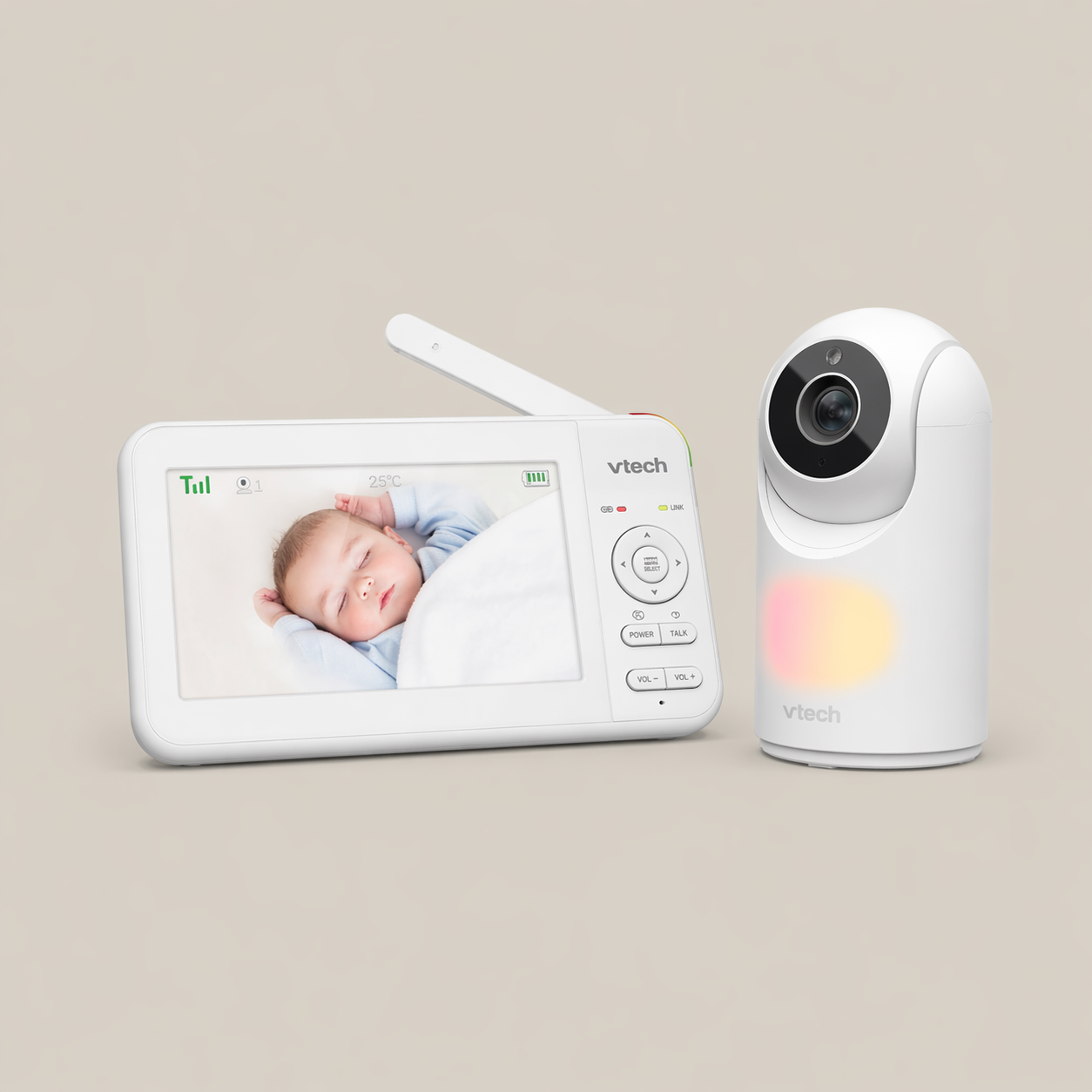
- • Dedicated screen — no phone needed
- • Reliable connection (non-WiFi)
- • Low lag for real-time checks
- • Clear night vision
- • Pan, tilt and zoom from the parent unit
- • Supports multiple cameras (split or cycle view)
- • Temperature readings (rough guide only)
- • ~8–12 hours battery on the parent unit (for the newest model)
- • No remote access outside the home
- • Basic interface (no app, no tracking or alerts)
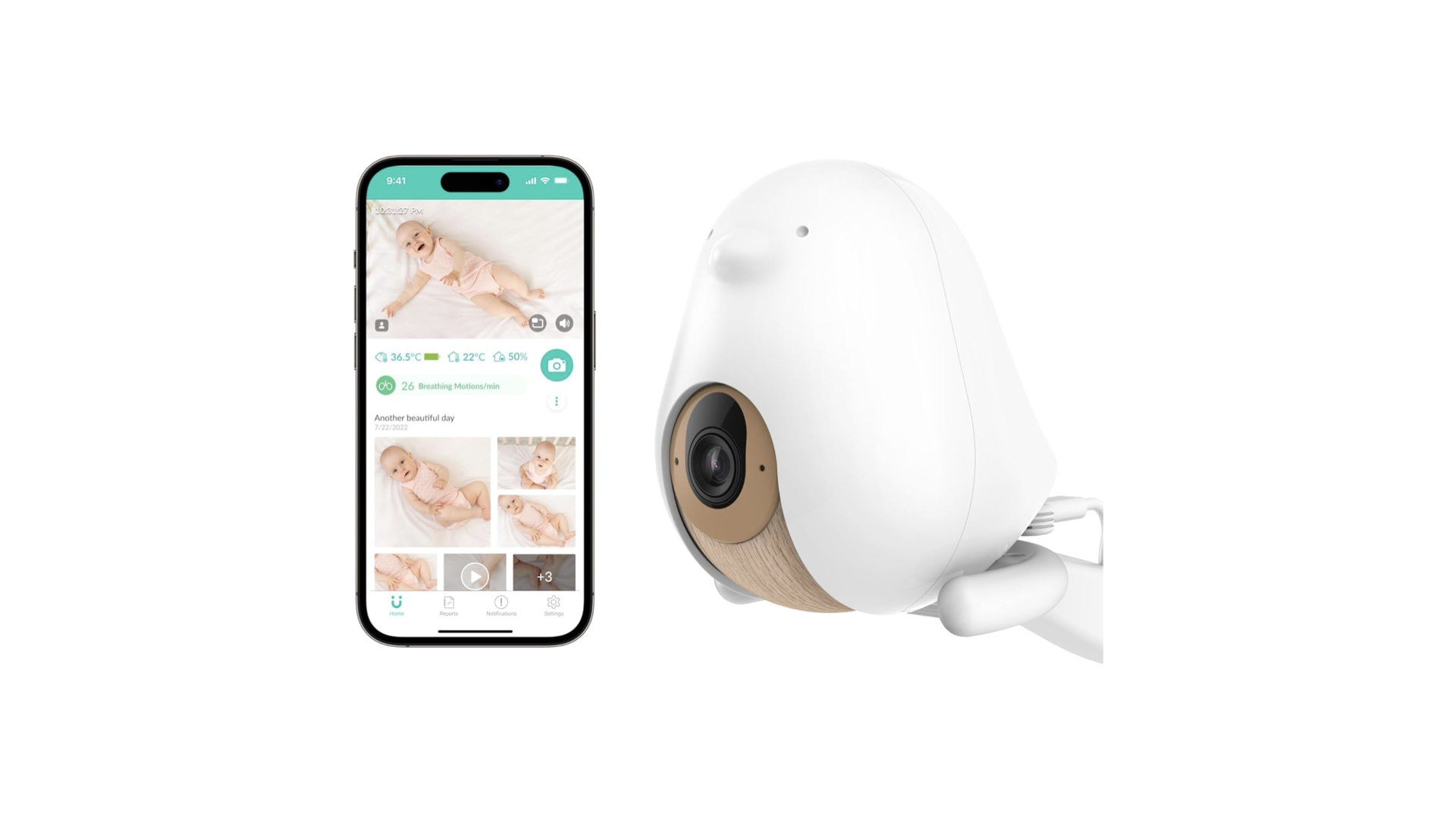
- • View from anywhere via app
- • Reliable connection (WiFi-dependent)
- • Low lag for real-time checks (connection-dependent)
- • Clear night vision
- • Digital zoom via app (camera is fixed - no remote pan/tilt)
- Supports multiple cameras (app-based switching)
- • Temperature and humidity readings (rough guide only)
- • Alerts for motion, sound and face covering (useful early on, but often get turned off)
- • Fixed camera (no remote pan or tilt)
- • Relies on WiFi (connection can vary)
- • Uses your phone as the monitor (drains battery)
- • Alerts often become excessive and get turned off
- • Optional subscription (~$80–$120/year) for video history and sleep analytics
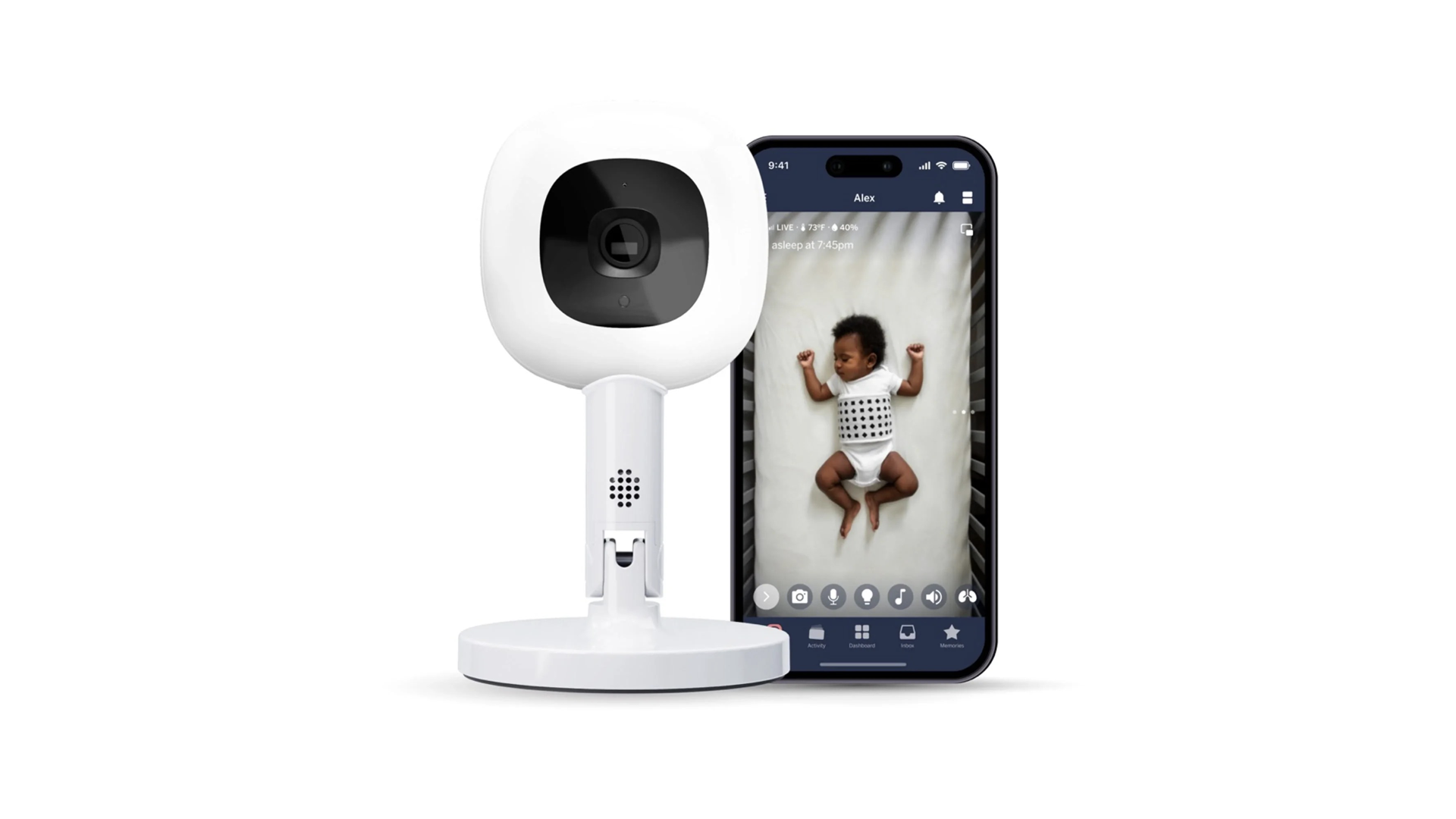
- • View from anywhere via app
- • Reliable connection (WiFi-dependent)
- • Low lag for real-time checks (connection-dependent)
- • Clear night vision
- • Digital zoom via app (camera is fixed — no pan/tilt)
- • Supports multiple cameras (app-based switching)
- • Temperature and humidity readings (rough guide only)
- • Breathing tracking (with wearable band)
- • Sleep data (duration, wake-ups, patterns)
- • Flexible stand for travel and multi-room use
- • Fixed camera (no remote pan or tilt)
- • Relies on WiFi (connection can vary)
- • Uses your phone as the monitor (drains battery)
- • Optional subscription (~$100–$150/year) for most tracking features
- • Alerts often become excessive and get turned off
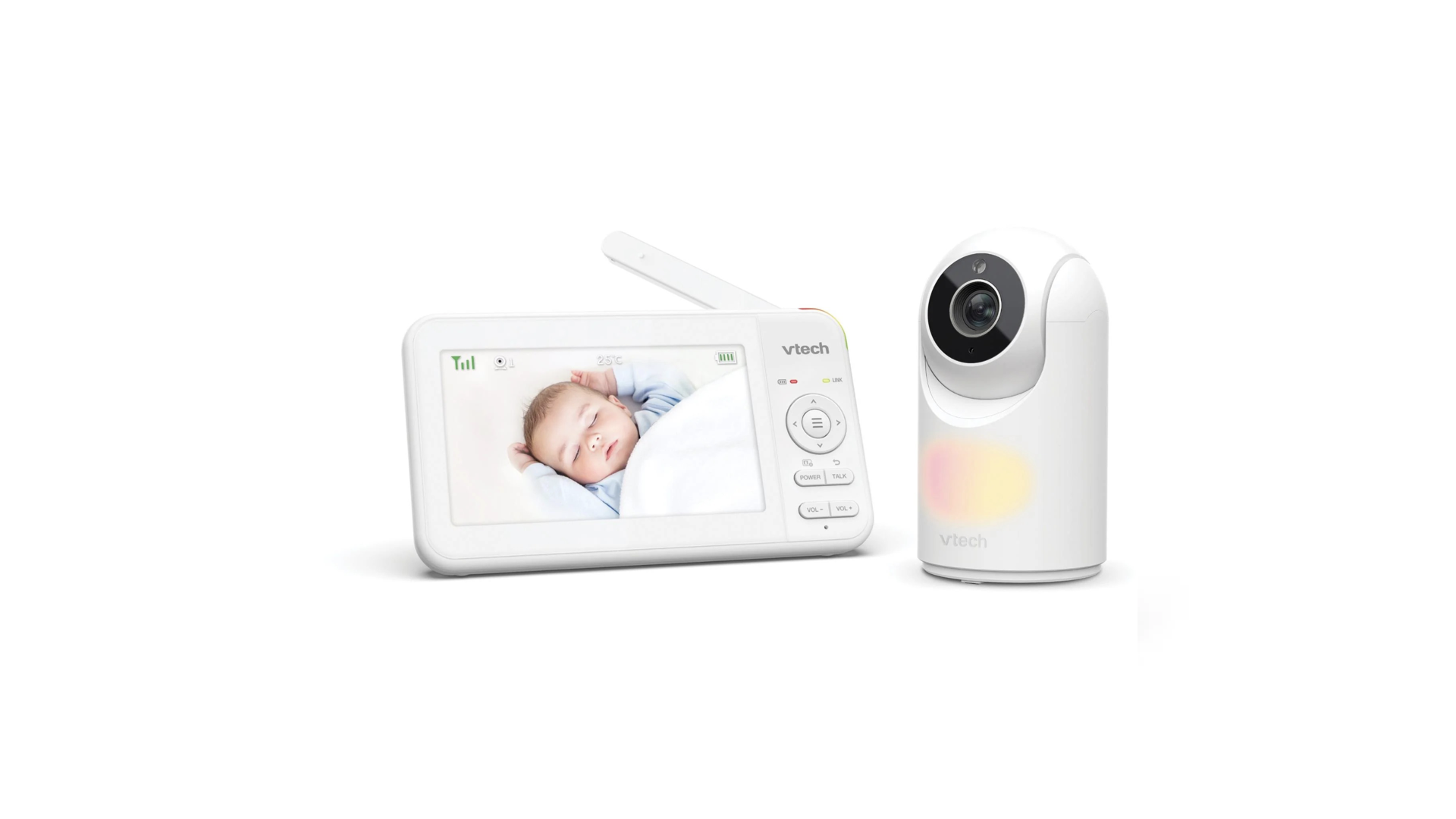
Our pick is VTech — specifically the non-WiFi model.
It’s one of the cheaper video monitors, and it does the job. The connection is stable, there’s no lag and you’re not relying on WiFi or an app.
The separate screen is the key difference — no switching in and out of your phone which means you can use your phone and still have the monitor on the whole time.
We considered audio-only, but video becomes more useful as babies get mobile — especially in a multi-level home, where you want to check quickly without going upstairs.
Most parents think they want app access, but most end up valuing:
• no lag
• no dropouts
• no fiddling
Which is why non-WiFi models tend to win long-term.
For us, the extra “smart” features just don’t add much. They tend to create more noise than value and can increase anxiety rather than reduce it. We also didn't need the remote access as much since we were looking after bub full time. WiFi models do make more sense if you're away regularly or have other caregivers (like grandparents) looking after your baby and want to check in remotely. That's where CuboAi and Nanit are leaders of the pack.